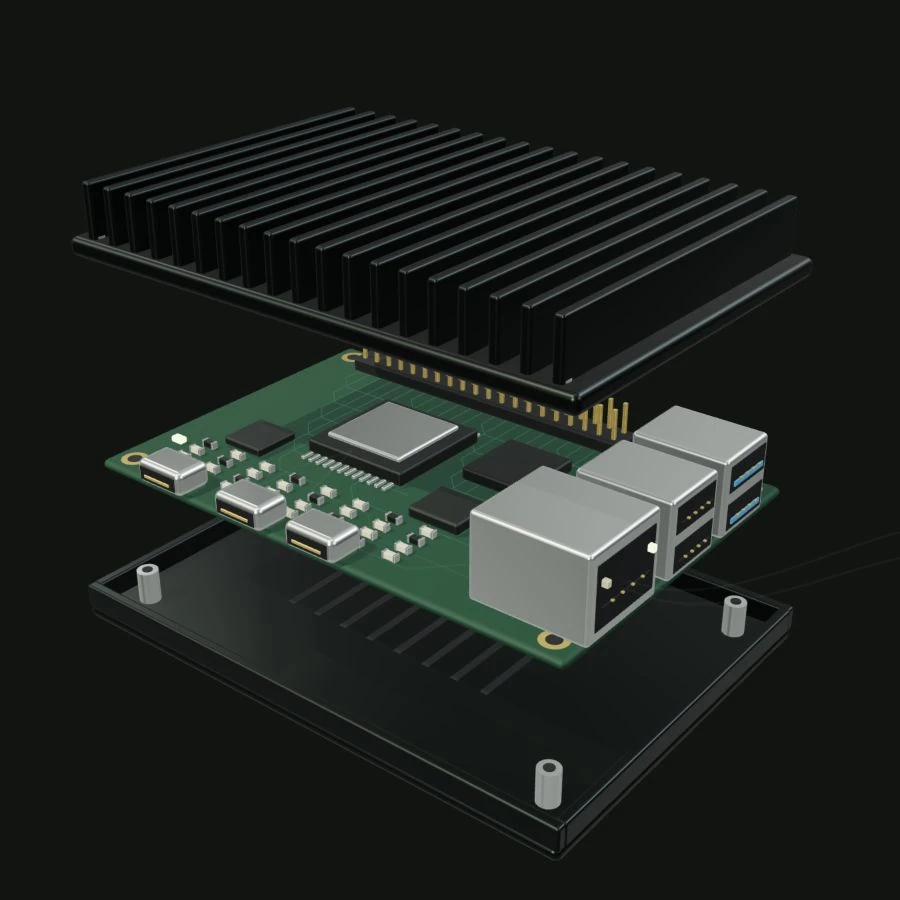
Software, settings, secrets and the OS are versioned together, so you always know what's on each machine.
Generation 7b19e4d0
Apps
checkout 4.2.1, printer 1.3.0
Settings
14 values, 2 per site
Secrets
payments-key, version 3
OS
2026.10.1
Signed
by Suta
02 · Preview
See what will change before you ship it.
Which software changes, which machines restart and what stays the same. What you see is exactly what ships.
Preview · “Shorter card reader timeout”
~ checkout 4.2.0 → 4.2.1
= printer unchanged
= OS unchanged
212 machines will update1 pinned, keeps what it runs0 restarts
03 · Verify
Machines recover on their own.
If a new version breaks a machine, it goes back to the last one that worked, even when it's offline.
kiosk-12-b · deploy #43
Verifiedsigned by your workspace
Startedonly checkout changed
Checkedcheckout stopped answering
Restored #42reason sent to Suta
04 · Roll out
Problems stay small.
New versions reach a handful of machines first. If something goes wrong there, the rest of the fleet keeps running what works.
Rollout #43 · paused
Canary10 / 11
Batch 10 / 51
Batch 20 / 50
Batch 30 / 50
Batch 40 / 50
Paused: 1 machine failed. The other 201 were not updated.
05 · Operate
See the whole fleet in one place.
Logs, metrics and alerts for every machine, and a shell on any of them when you need one.
Alert · opened 14:21
High temperature on kiosk-31-astore-31
84 °Climit 80 °C · was 71 °C an hour ago
View metricsOpen access · 15m
Most teams update their machines with SSH and a script. It works until a change breaks a machine nobody can reach.
The script
# update.sh
for host in $(cat kiosks.txt); do
ssh admin@$host 'docker pull acme/checkout && docker restart checkout'
done
ssh: connect to host kiosk-31-a port 22: No route to hostError response from daemon: manifest unknown… 37 hosts later, nobody knows which ones updated
A bad release reaches every machine before anyone notices.
A machine that won’t start or connect needs someone on site.
Nobody can say which version runs where, or who changed it.
Building it yourself
Your backlog0 of 8 done
Updates that can't half-apply
Recovery when a change fails
Signing and key rotation
Health checks after every change
Rollouts that pause on failure
Recovery with no network
Delivering secrets to each machine
Remote access with an audit trail
Each one takes weeks to get right, and has to be tested again for every new machine and OS release.